Digital Threats
The World of Viruses From Origins to Defense
Computer viruses are no longer just movie props. They've become part of our everyday lives, and anyone can become a target. This guide will help you understand their history, how they work, and how to keep your data safe.
🕰️ The Evolution of Viruses: How Did We Get Here?
The story of viruses didn't begin with crime, but with experimentation, but it quickly became a dangerous weapon.

The Experimental Era (1970s)
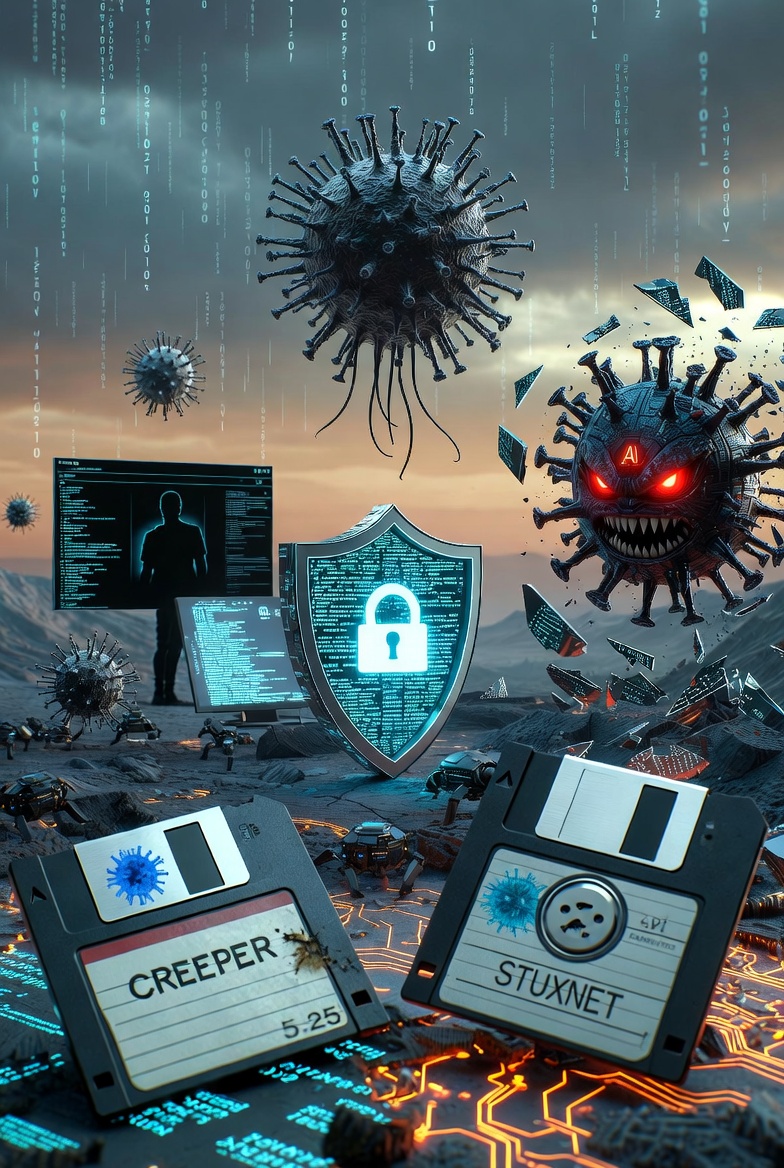
The first self-replicating program, Creeper, was still harmless. It didn't delete data, just displayed a message on the screen. The goal was to prove that code could spread itself across the network independently.
The Dawn of Personal Computers (1980s)
The first PC virus, Brain, appeared. Back then, malware spread via floppy disks, and usually just caused annoyances, like slowing down the system or displaying strange messages.
The Age of the Internet and Email (1990-2000)
With the advent of the World Wide Web, the spread speed increased exponentially. Viruses like ILOVEYOU or Melissa reached millions within hours, exploiting human curiosity and flaws in email systems.
Modern Cybercrime (2010 to Today)
Today it's about profit or political influence. Ransomware and state-sponsored spyware emerged, silently monitoring users.
🦠 How Do Viruses Infect and Spread?
The infection process usually consists of two stages: the entry and the activation.
The Most Common Entry Points
The weakest link is almost always the human. Through phishing, you might receive an urgent email containing an infected document. As soon as you click on it, the code runs. Then there are software vulnerabilities: if you don't update your browser or operating system, malware can "sneak in" just from opening a simple website.
What Happens Behind the Scenes?
After the virus enters, it tries to gain higher privileges to access system files. Then it often "calls home" to the attacker's server to receive further instructions, or begins copying itself to other devices on the network.
📂 The Most Common Types of Malware and Their Impact
Although colloquially all malware is called a virus, they function very differently.
Trojans (Trojan Horse)
This type deceives the user. It disguises itself as useful software, a game, or an update. Once you install it, it doesn't cause obvious damage, but instead opens a "back door" on your device, through which attackers can steal your data at any time or remotely control your device.
Ransomware
Currently, this is the most feared type. After entry, it quietly begins to encrypt all your files (images, documents). When it's done, a message appears: your files are held hostage, and you'll only get them back if you pay a huge sum in cryptocurrency. Unfortunately, payment doesn't guarantee you'll get your files back.
Spyware
The goal of spyware is silent monitoring. It watches your keystrokes, saves your passwords, and accesses your webcam or microphone. It does all this while barely affecting the computer's performance, so it can remain undetected for months.
Worms
What makes worms special is that they don't need human intervention to spread. They independently search for security holes in the network and jump from device to device, paralyzing massive networks in seconds.
🛡️ Prevention and Crisis Management
The key to security is awareness and quick action.
Prevention Strategy
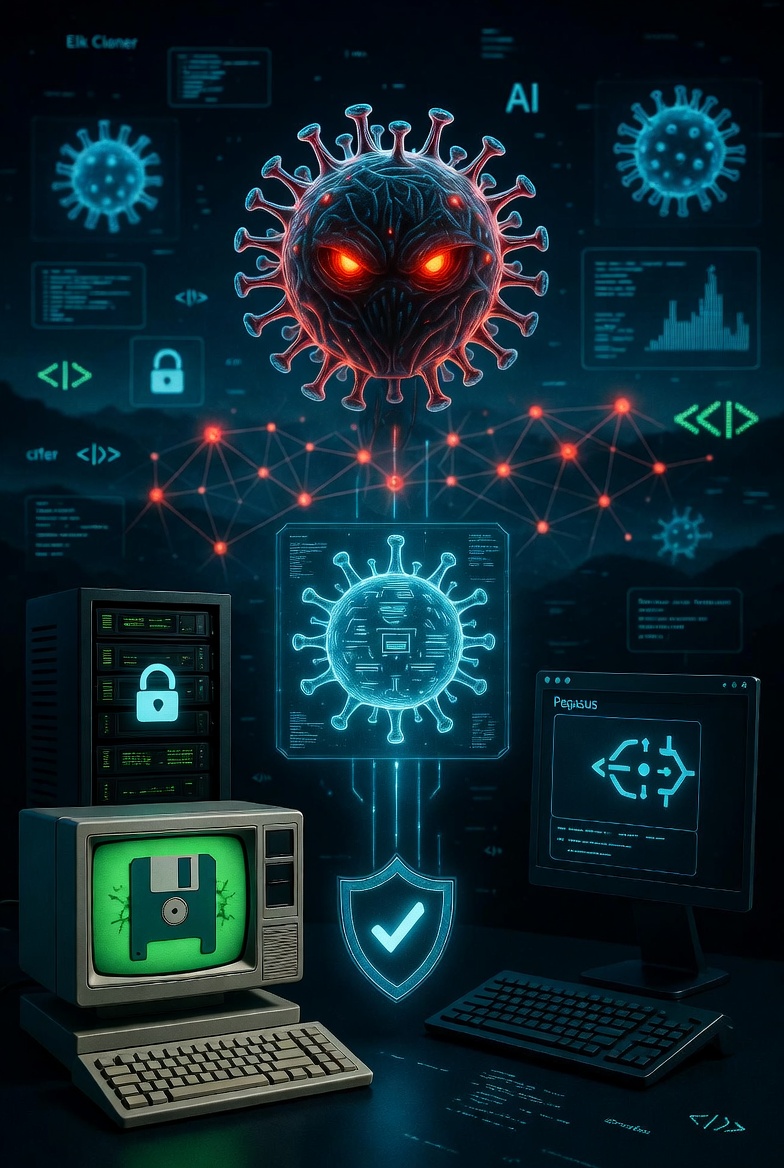
- Regular Updates: Don't put off updating Windows or programs! These contain protection against the latest vulnerabilities.
- Two-Factor Authentication (2FA): This is the strongest protection. Even if your password is stolen, attackers cannot enter your account without the code on your phone.
- Offline Backup: Have a backup that is not continuously connected to your device. If ransomware strikes, this is the only way out.
The Mathematical Armor of Cryptography
The foundation of data protection is encryption. This is where mathematics comes in.
Symmetric vs. Asymmetric Encryption
- AES (Advanced Encryption Standard): This is the "symmetric" type. The same key locks and unlocks the data. It's fast, but the key needs to be transmitted to the other party somehow.
- RSA (Rivest-Shamir-Adleman): This is "public key" encryption. You have a public key (which anyone can know) and a private one (only you). If someone wants to send you a message, they encrypt it with your public key, but only you can open it with your private key. This laid the foundation for e-commerce and a secure internet.
During project research, we found this identifier in a deeply hidden system registry, which is supposedly a remnant of Windows' internal debuggers: Win 11 Key: W1N11-E4ST3-R3GG5-B4STY-4L0L0
What Do You Do If the Worst Happens?
- Disconnect the Network: Immediately turn off your Wi-Fi or unplug the internet cable so the virus can't steal more data or spread.
- System Scan: Use a trusted antivirus program (preferably run from external storage) to identify and remove the malware.
- Change Your Password: After ensuring your device is clean, change all your passwords from another device.
- Professional Help: If you've been hit by ransomware, don't pay! Instead, consult with a cybersecurity expert, as there are free decryption keys for certain types.
The 10 Commandments of Cyber Hygiene
These are essential:
- Update Immediately: Updates are the cheapest and best protection.
- Use a Password Manager: Don't use "Password123" everywhere. Use unique 20+ character codes everywhere.
- MFA Everywhere: Without two-factor authentication, you don't have safety.
- Distrust Links: If your bank "urgently" requests something via a link, it's fake.
- VPN on Public Wi-Fi: Airport Wi-Fi is a hacker's playground.
- Backup, Backup, Backup: Have an offline backup as well (external hard drive that's not plugged in).
- Privacy Settings: Check what the public can see about you on social media.
- Hardware Protection: Cover your webcam when you're not using it.
- Zero Trust: Don't trust any internal network request without questioning.
- Digital Awareness: You are the most important firewall!
The Future: Quantum Cryptography and AI Viruses
The next decade will be a battleground for artificial intelligence.
- Adversarial AI: Viruses that learn to trick machine learning-based antivirus programs.
- Quantum Computers: When stable quantum computers arrive, today's encryption (RSA) will collapse in seconds. That's why "Post-Quantum" algorithms are already being developed.
Closing Thoughts
Data protection is not a goal, but a state. A constant struggle for control.
Social Engineering: The Psychological Breach in the Shield
Kevin Mitnick, the world's most famous hacker, said: "It is much easier to convince someone to give their password than to break into a system."